
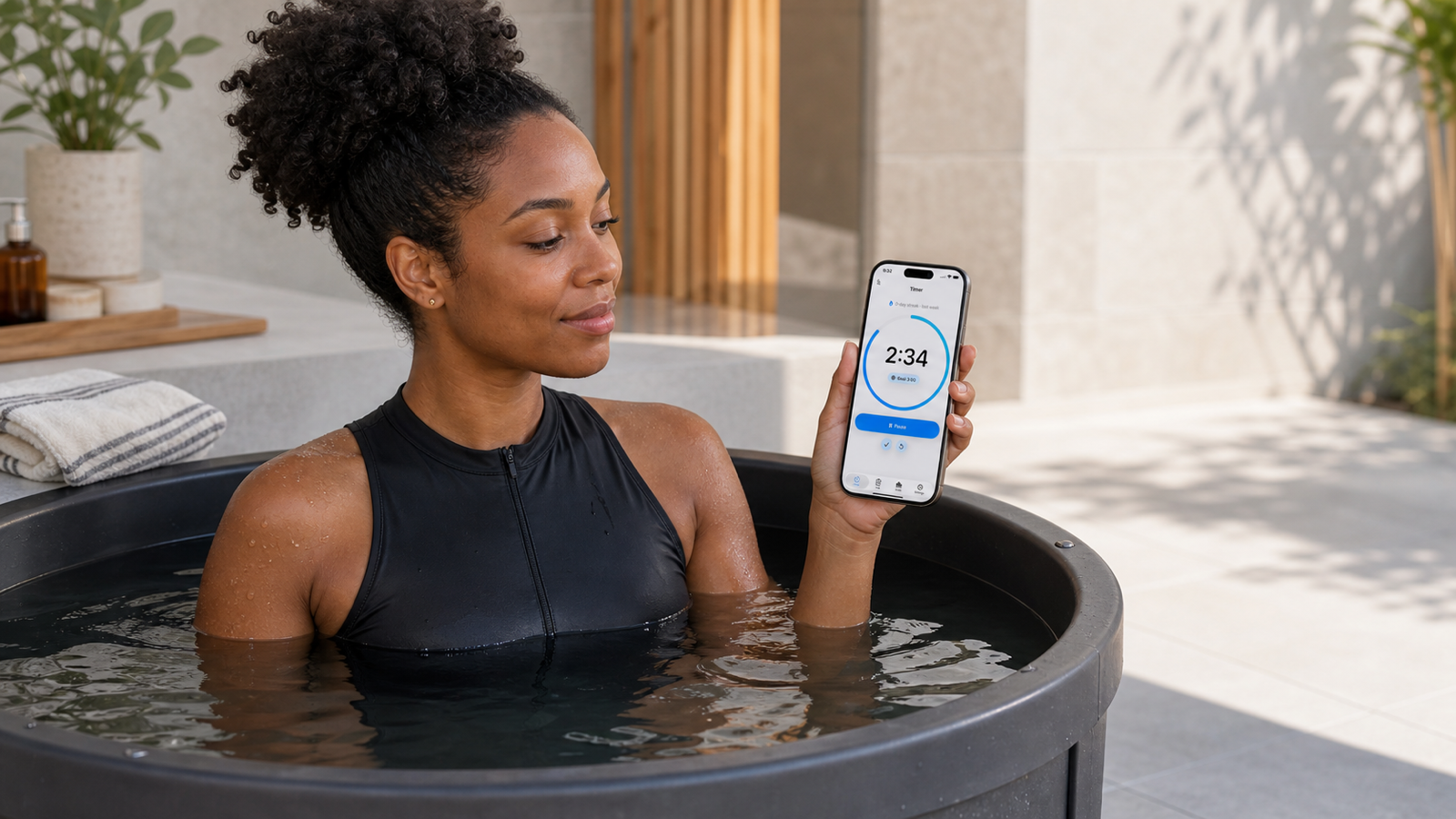
The app is built for a simple routine: start the timer, finish the session, save the useful details, and move on. It is not a medical tool, coaching system, or general wellness dashboard. It is a focused timer, log, and stats app for people who want their cold water routine to be easier to remember and easier to review.
This guide explains how to use the app and when a dedicated cold plunge tracker is more useful than a stopwatch, notes app, or spreadsheet.
Who the app is for
Cold Plunge Timer & Log is for people who want a clear record of cold plunge or ice bath sessions without overbuilding the habit.
It is useful if you want to know:
- how long each session lasted
- what the water temperature was
- when the session happened
- whether the session was a cold plunge, ice bath, cold shower, lake/ocean session, or something else
- what notes you saved after the session
- how consistent the routine has been over time
It is also useful if you already use a stopwatch but keep forgetting to write the result down. A stopwatch can measure one session. A cold plunge tracker app helps preserve the session as part of a history.
How the timer works
The Timer tab is the starting point. You can start a cold plunge timer, pause it, finish it, or reset it. The timer has a goal duration so you can see progress during the session.
The app can also use haptics and a completion sound, based on your settings. The purpose is narrow: keep the timing clear while you are in the session.
When the session is done, finishing the timer leads into saving the session details. That is the point where the timer becomes a log instead of a single number that disappears.
What gets saved in a session
A saved session can include the details that make the timer result useful later.
| Field | What it means |
|---|---|
| Duration | How long the session lasted. |
| Start and end time | When the session happened. |
| Water temperature | The temperature you logged for the session. |
| Temperature unit | Fahrenheit or Celsius. |
| Session type | Cold plunge, ice bath, cold shower, lake/ocean, or other. |
| Notes | Short context you want to remember. |
This matters because duration by itself can be incomplete. A two-minute session at one temperature is not the same as a two-minute session at another temperature. A short note can also explain context: after sauna, morning session, colder than usual, travel day, or felt controlled.
How the log helps
The Log tab shows saved sessions in reverse chronological order. Each row gives the basic information you would expect to review: duration, session type, temperature, and date.
From the log, you can open a session detail view, edit a saved session, delete a session, or add a manual session when you need to record a plunge that was not started from the timer.
This is where a dedicated cold plunge log app is different from a notes app. In a notes app, each entry can drift into a different format. In a focused log, the core fields stay consistent, so past sessions remain easier to scan.
How stats and streaks help
The Stats tab summarizes your saved sessions.
The app can show:
- current streak
- longest streak
- sessions this week
- total sessions
- total cold time
- average duration
- longest session
- coldest session
- weekly completion
Stats should make the routine easier to review, not turn it into pressure. A streak shows consistency. Average duration and coldest session add context. Total sessions and total cold time help you understand the larger pattern.
The practical use is weekly review. Instead of trying to remember how the month went, you can look at the record and ask: How many sessions did I complete? What were the temperatures? Were the sessions consistent? Did anything change?
Siri and Shortcuts
Cold Plunge Timer & Log supports Siri and App Shortcuts for starting and stopping the timer.
Supported shortcut-style actions include starting the cold plunge timer and stopping or finishing the cold plunge timer. This is useful when your hands are wet, cold, or away from the phone.
The app does not need to turn every part of the routine into automation. The useful part is hands-free timer control. The session details can still be reviewed and saved intentionally afterward.
Privacy-first tracking
Cold Plunge Timer & Log is designed around a privacy-first posture:
- no account
- no ads
- no advertising tracking
- local-first app data
That matters for a cold plunge tracker because the data is personal routine data. The app does not need an account system to time sessions and keep a local record.
You can read the Privacy Policy or contact Support for more detail.
When a simpler tool is enough
A dedicated tracker is not necessary for everyone.
A stopwatch is enough if you only want to time one session and do not care about the record afterward. A notes app can work if you are disciplined about writing the same details every time. A spreadsheet can work if you want full control and do not mind the extra friction.
Cold Plunge Timer & Log is for the middle case: you want a clean record, but you do not want to maintain a spreadsheet or remember a logging format.
For a more detailed comparison, read Cold Plunge Timer vs Stopwatch.
What to track
For most cold plunge and ice bath routines, the useful fields are:
- duration
- water temperature
- date and time
- session type
- short notes
- streaks and stats over time
The goal is not to track everything. The goal is to track enough that the routine is easier to understand later. For a broader tracking framework, read How to Track Cold Plunge Sessions.
Common mistakes
The most common mistake is treating one number as the whole story.
Duration matters, but temperature changes the meaning of duration. A streak matters, but it does not show how each session felt or whether the setup changed. A coldest-session stat can be interesting, but colder is not automatically better.
Another mistake is making the log too detailed. If tracking takes too long, it will not last. A good cold plunge tracker should make the basic record easy to save.
Safety note
Cold exposure is not appropriate for everyone. This page is not medical advice, diagnosis, treatment, personalized safety guidance, or emergency support.
Cold water can stress breathing and the cardiovascular system, especially with sudden immersion, very cold temperatures, longer exposure, open water, existing medical conditions, or high cumulative stress. If you are unsure whether cold exposure is appropriate for you, speak with a qualified health professional.
Do not rely on an article, app, timer, or tracking system during an emergency.
FAQ
What is a cold plunge tracker app?
A cold plunge tracker app helps you time cold plunge or ice bath sessions, save session details, log water temperature, add notes, and review progress over time.
Can I log water temperature?
Yes. Cold Plunge Timer & Log lets you save water temperature with Fahrenheit or Celsius units.
Can I track ice baths too?
Yes. The app supports cold plunge and ice bath session types, along with cold shower, lake/ocean, and other.
Does the app track streaks?
Yes. The Stats tab can show current streak, longest streak, weekly completion, and other session metrics based on saved logs.
Does the app work with Siri or Shortcuts?
Yes. The app supports Siri and App Shortcuts actions for starting and stopping or finishing the cold plunge timer.
Does the app require an account?
No. The app is designed with no account, no ads, no advertising tracking, and local-first app data.