
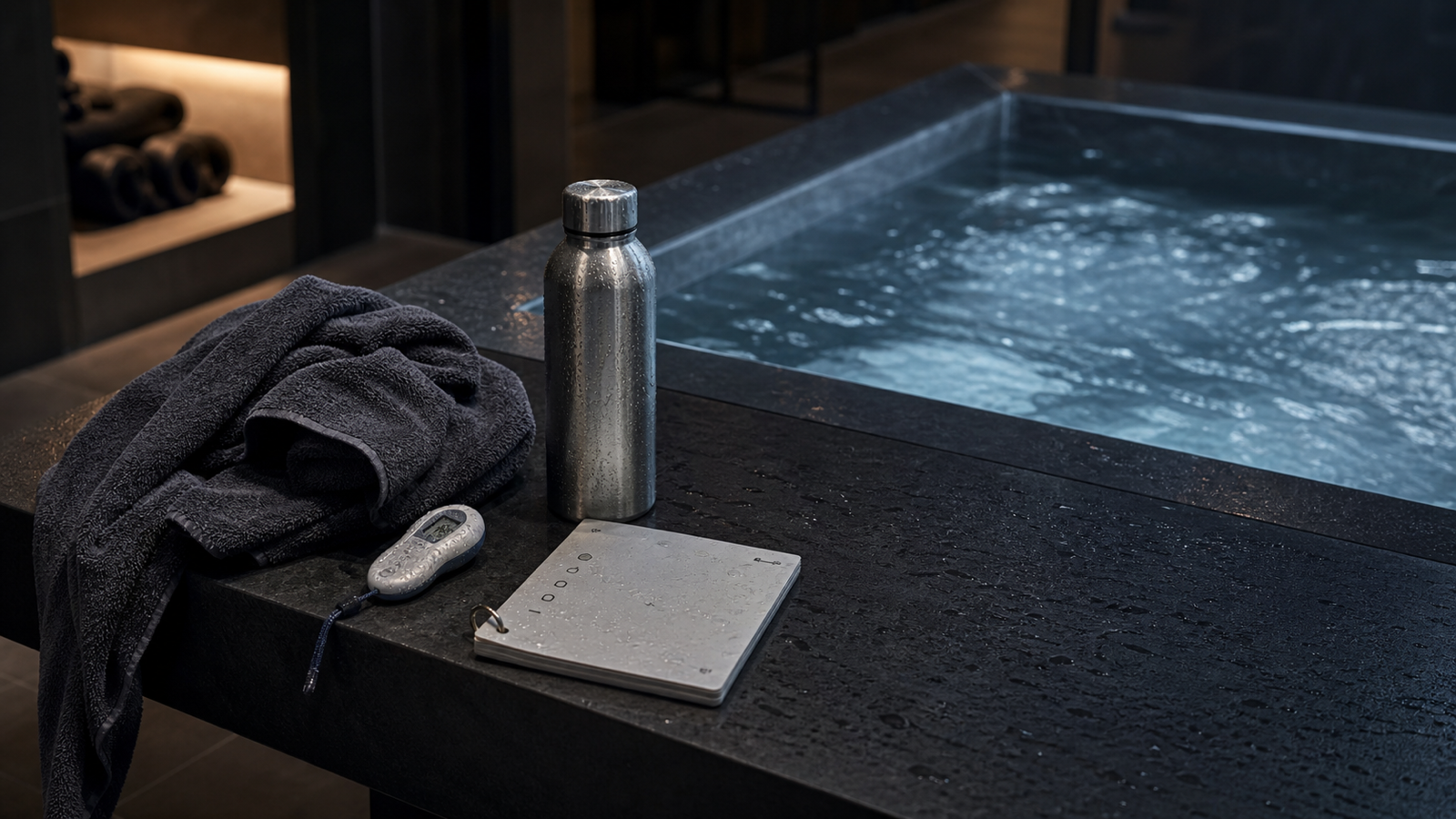
You do not need a complicated journal. You need a clean record that helps you understand what you actually did.
Cold plunges are easy to remember emotionally and hard to remember accurately. A session can feel intense, calm, rushed, or controlled, but without a log you may forget the exact time, temperature, and context a week later.
This guide explains what to save after every cold plunge or ice bath, when a simple notes app is enough, and when a dedicated cold plunge log app becomes more useful.
Why a cold plunge log is useful
A timer answers one question: how long were you in the water?
A log answers a better question: what happened in that session, and how does it compare with the rest of your routine?
That difference becomes useful quickly. Two sessions can both be two minutes long and still be very different. One may be at 58°F after a calm morning. Another may be at 45°F after a hard workout, poor sleep, or a sauna session. The timer result is the same number, but the session context is not the same.
A useful log does not need to turn cold exposure into a spreadsheet. It should make the important details easy to save while they are fresh.
Timer, log, tracker, and journal are not the same thing
People often use these words loosely, but they describe different jobs.
A cold plunge timer measures the live session. A cold plunge log saves what happened after the session. A cold plunge tracker helps you review patterns across multiple sessions. A cold plunge journal may include longer reflections, but most people do not need that level of writing after every plunge.
The best setup combines the first three without making the fourth mandatory. You should be able to start a timer, save the result, add the water temperature, write a short note if useful, and see your history later.
What to save after every cold plunge
The useful fields are simple.
| Field | Why it matters |
|---|---|
| Duration | Shows how long the session lasted. |
| Water temperature | Gives context to the duration. |
| Date and time | Turns separate sessions into a real history. |
| Notes | Captures anything unusual or useful. |
| Setup | Helps compare cold plunge, ice bath, sauna contrast, or travel sessions. |
| Progress | Helps you review consistency, streaks, and trends over time. |
You do not need to fill every field perfectly every time. The point is to keep enough context that the log remains useful later.
Duration is the starting point
Duration is the easiest thing to track, and it is usually the first number people care about.
But duration by itself can create a false sense of precision. A three-minute session in one setup may not be comparable to a three-minute session in another setup. Colder water, different entry speed, sauna use, stress, fatigue, and time of day can all change the experience.
Still, duration is worth saving because it anchors the record. Without it, the rest of the log has less structure.
Water temperature gives the timer meaning
Water temperature is one of the most useful fields in a cold plunge log app.
Time and temperature belong together. Two minutes at 58°F is not the same as two minutes at 45°F. If you only track duration, you may think your routine is stable when the water conditions are changing significantly.
You do not need lab-grade precision for a personal log. A simple water temperature value is usually enough to help you compare sessions. Over time, it can show whether your routine is becoming colder, longer, more consistent, or simply different.
For more context, read Cold Plunge Temperature and Time and What Temperature Should a Cold Plunge Be?.
Notes should be short
The best notes are short enough that you will actually write them.
Useful examples:
- morning session
- after workout
- after sauna
- first session after travel
- water felt colder than usual
- felt controlled
- stopped early
These notes are not medical conclusions. They are context. They help you understand why one session may have felt different from another.
If the note takes longer than the plunge, the system is probably too heavy.
Track progress without turning it into pressure
Progress in a cold plunge routine is not always longer time.
It can mean:
- showing up consistently
- keeping sessions controlled
- tracking similar durations at different temperatures
- noticing when shorter sessions are enough
- understanding when you skip sessions and why
This is where stats and streaks can be useful if they stay in the right role. A streak should describe consistency. It should not pressure you into doing a session when cold exposure does not make sense that day.
For more detail, see Cold Plunge Streak Tracker: Why Consistency Matters.
When a notes app is enough
A notes app can work if you are only logging occasionally.
It is enough when:
- you cold plunge rarely
- you do not care about stats
- you already keep a broader training journal
- you prefer long-form notes
- you do not mind manually typing each entry
The problem is friction. A notes app usually separates timing, temperature, and review. You time the session somewhere else, then manually write the result, then scroll through notes later if you want history.
That can work. It just takes more discipline than most people want from a simple routine.
When a dedicated cold plunge log app helps
A focused cold plunge log app helps when you want the record without the maintenance.
It should make the normal workflow easier:
- Start the timer.
- Finish the session.
- Save the duration.
- Add water temperature.
- Add a short note if needed.
- Review history, stats, and streaks later.
Cold Plunge Timer & Log is built around that workflow. It is a privacy-focused iPhone app for timing cold plunges and ice baths, logging water temperature, saving notes, and reviewing progress over time.
The app is intentionally narrow. It is not trying to be a broad wellness platform. It is meant to help you keep a clean record of a specific routine.
What to look for in a cold plunge log app
Look for a cold plunge log app that keeps the basics obvious.
Good signs:
- fast timer start
- saved session duration
- water temperature logging
- short notes
- history view
- stats and streaks
- Fahrenheit and Celsius support
- no account requirement
- no ads
- no advertising tracking
Be cautious with apps or templates that make the log feel like homework. If the workflow is too heavy, you may stop using it.
The best cold plunge log is the one that is simple enough to use immediately after the session.
Ice bath logs use the same fields
Ice baths and cold plunges may use different setups, but the logging structure is almost the same.
For an ice bath log app, save:
- duration
- water temperature
- amount of ice or setup note if useful
- date and time
- short notes
- progress over time
Ice bath setups can vary a lot because the amount of ice, water volume, tub size, and room temperature can change the experience. That makes temperature and notes especially useful.
For setup comparison, read Ice Bath vs Cold Plunge: What's the Difference?.
Safety note
Cold exposure is not appropriate for everyone. This article is not medical advice, diagnosis, treatment, personalized safety guidance, or emergency support.
Cold water can stress breathing and the cardiovascular system, especially with sudden immersion, very cold temperatures, longer exposure, open water, existing medical conditions, or high cumulative stress. If you are unsure whether cold exposure is appropriate for you, speak with a qualified health professional.
Do not rely on an article, app, timer, or tracking system during an emergency.
FAQ
What is a cold plunge log app?
A cold plunge log app is a focused app for saving cold plunge session details such as duration, water temperature, date, notes, history, stats, and streaks.
What should I log after a cold plunge?
Log the duration, water temperature, date and time, short notes, and any setup context that helps you compare sessions later.
Should I track water temperature?
Yes, if you can. Water temperature gives important context to session duration because colder water usually changes how a session feels.
Is a notes app enough for cold plunge tracking?
A notes app can be enough for occasional tracking. A dedicated cold plunge log app is more useful when you want timing, temperature, notes, history, stats, and streaks in one workflow.
Can I use the same log for ice baths?
Yes. Ice baths and cold plunges use the same basic logging fields: duration, water temperature, date, notes, and progress over time.
Does Cold Plunge Timer & Log give medical advice?
No. Cold Plunge Timer & Log is a personal timing and logging utility. It is not medical advice, diagnosis, treatment, personalized safety guidance, or emergency support.